
How to Turn a Video Quote Into a Social Graphic
Find a verified line in Pull quotes and choose Create image. Pick a layout, check that the text reads at phone size, and export or save the image for review.
Create the quote graphic and check the layout
Pick and verify the line
Use Pull quotes to find a self-contained excerpt and check the source.
Choose a layout
Open the graphic editor. Set the background, line breaks, and attribution so the point is readable at a glance.
Save and review
Check the graphic at a small size. If you share it as a post, open the saved post and verify the crop and attribution before requesting sign-off.
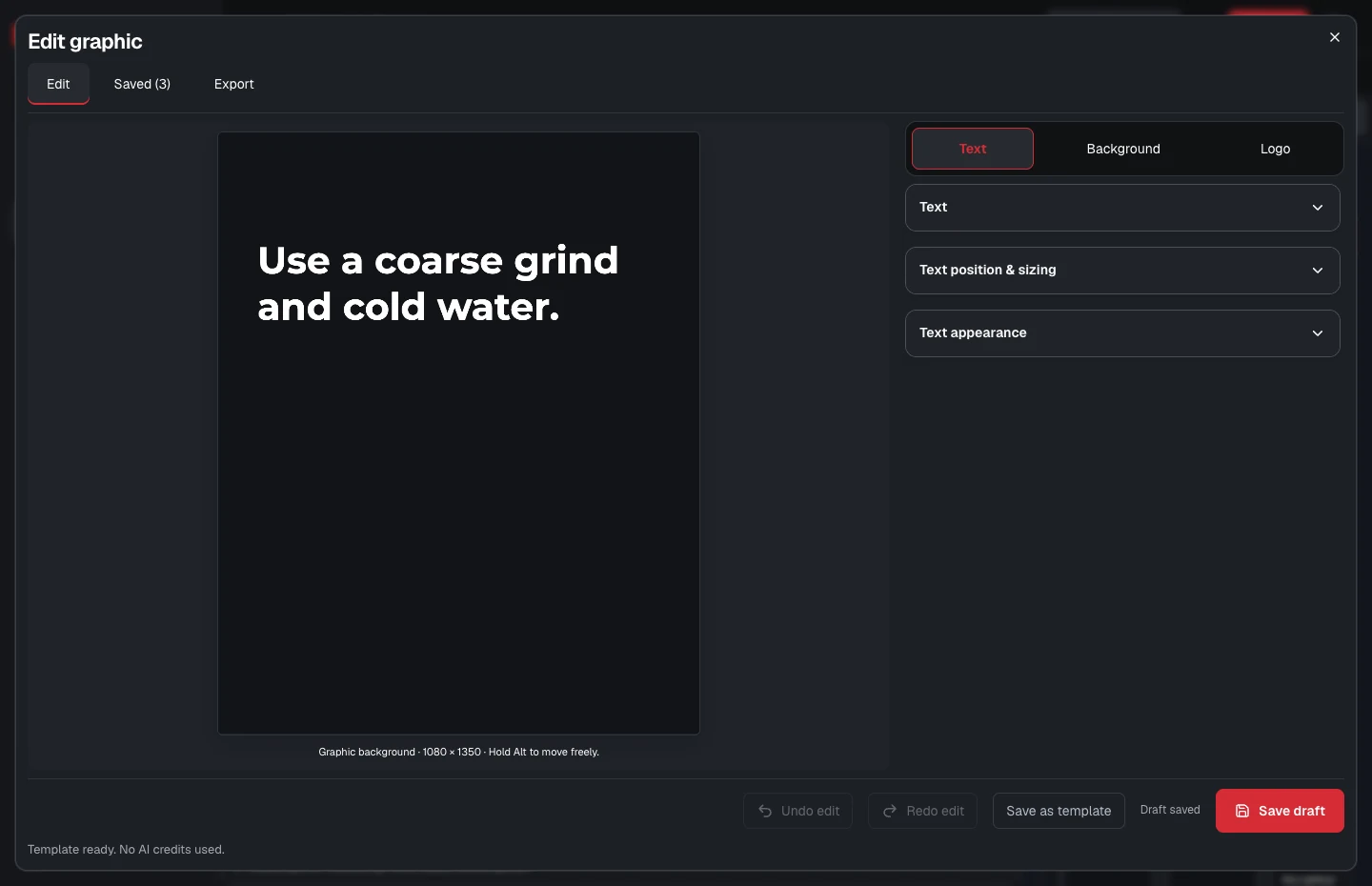
Make the overnight prep advice easy to share
Put a verified recipe instruction over a simple, dark background. Keep it to a short line, then add Cold Brew Launch as the project label.
Choose a line that can stand alone
The quote graphic editor lets you bring a selected line into a design. Change the template, type, image, and attribution, then save or export the result.
A short visual works as a companion post when a useful line has a life beyond the clip. A saved draft gives teams a chance to check the crop, branding, and attribution in context.