
How to Save an Approved Hashtag List for a Project
Save the approved tags in Project Context. When you draft a social description, pick the few tags that belong with that particular post and check them again before copying.
Save the project list and choose tags for a post
Make a short project list
Choose a few useful brand, topic, or campaign tags. Check the spelling and purpose of each one.
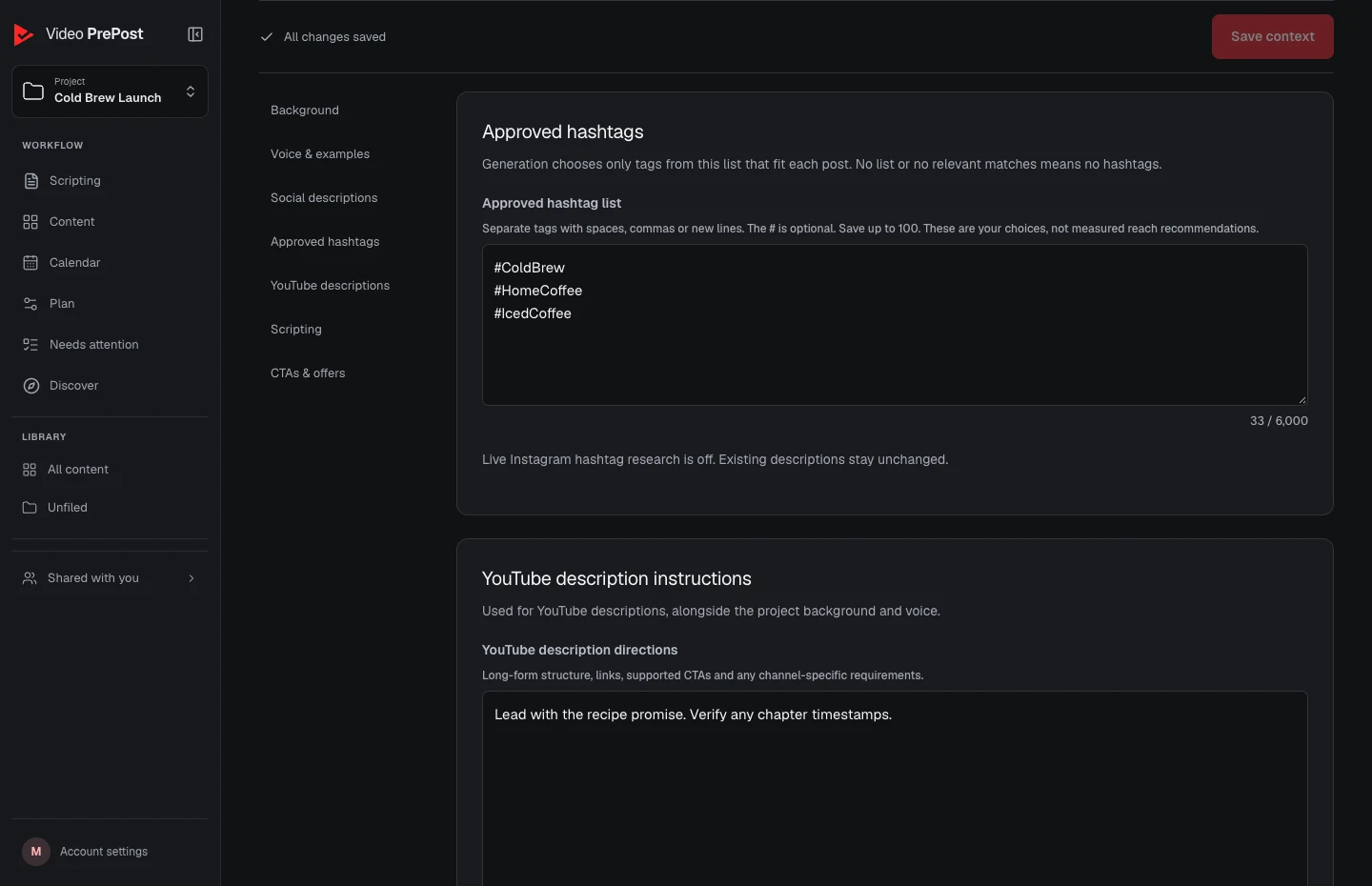
Save it in Project Context
Open Approved hashtags, enter the tags, and save the project.
Select at the post level
Open the description workflow and pick the tags that fit this particular video. Read the finished caption to make sure the tags still make sense.
Use tags only where they fit the post
The recipe uses #ColdBrew and #HomeCoffee. A clip introducing the shop may use a different subset from the project list.
Keep spelling consistent across the team
The approved list makes project hashtags available to choose when working on social post descriptions. You can keep the list focused and select tags that are actually relevant to the draft.
Brand and social teams can keep spellings and campaign tags consistent without putting the same footer on every caption. A shared list also helps another editor or writer pick up the account.